
Machine Compatibility
Designer Diamond Royale, Designer Diamond Deluxe, Designer Diamond, Designer Sapphire 85, Designer Ruby Royale, Designer Ruby Deluxe, Designer Ruby, Designer Topaz 65, 55Q, 50, 40, 30, 25, 20, Designer SE, SE LE, Designer 1, 11, Quilt Designer 1, 11 Sapphire 965Q, 960Q, 930, 875Q, 855, 850, 835, 830, Designer Brilliance 80, 75Q, Opal 690Q, Tribute 140C
Designer Epic, Epic 980Q, Designer Ruby 90
Designer Epic 3, Designer Epic 2, Epic 95Q, Epic Quilt 9
Free Motion Ruler Foot
Description
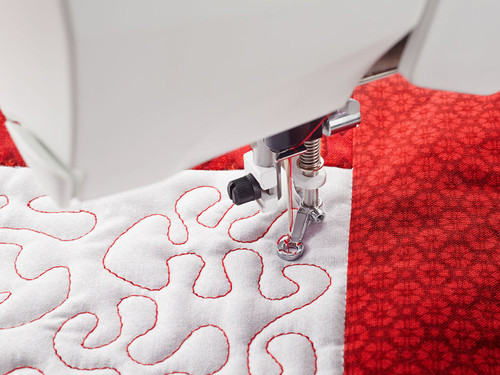
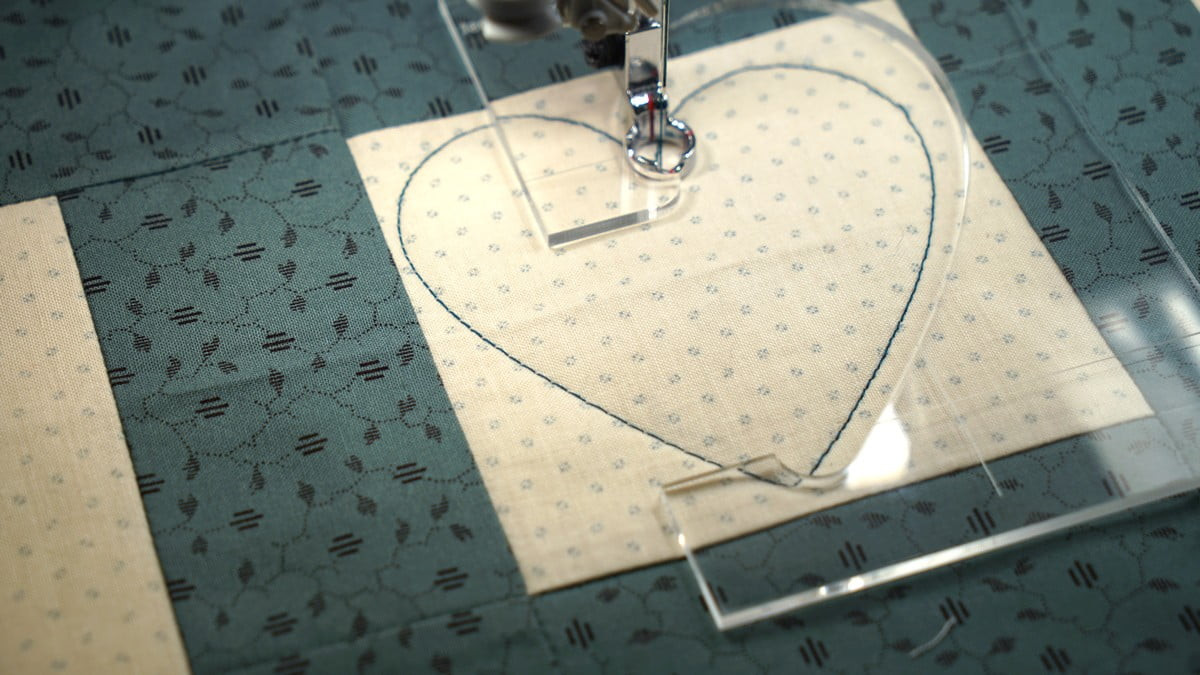
The Free Motion Ruler Foot allows you to create a beautiful style of free motion quilting in conjunction with your ruler templates.
$45.00
- UPC:
- 7393033102791
Description
Description
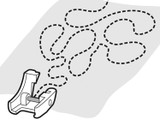
The Free Motion Ruler Foot allows you to create beautiful free-motion quilting designs using ruler templates.
The perfectly circular foot lets you sew a consistent ¼" from the edge of your ruler template. Red markings indicate the centre of the foot for accurate alignment, while cut-outs at the front and side provide excellent visibility of the needle area.
How to use:
How to use:
- Loosen the presser foot ankle screw completely and remove the ankle.
- Position the Free Motion Ruler Foot around the presser bar and secure it with the screw.
- Thread the machine.
- Select a straight stitch.
- Set the machine to Free Motion Ruler Foot mode. The feed dogs will lower automatically. When lowered, you must guide the fabric manually.
- Place the fabric under the foot and lower the presser foot.
- Bring the bobbin thread to the top by taking one stitch. Hold both thread tails and sew a few stitches in place to secure the beginning.
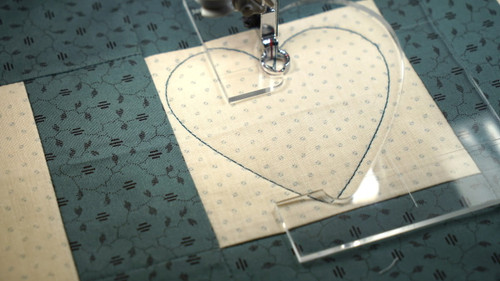
- Position the ruler against the edge of the foot. Apply gentle pressure with your fingertips to keep the ruler steady while guiding the foot along its edge.
- Sew along the ruler. When you reach the end, stop the machine, lift the presser foot, reposition the ruler and continue stitching.
- Whenever you need to change direction, stop the machine, reposition the ruler and continue sewing as required.
Additional information
Additional information
| Weight | 0.100 kg |
|---|---|
| Brand | Husqvarna Viking |
Related Products